A calmer way to organize what you store
Know exactly where every item is stored.
Create a digital record for every place you store things, add the items kept there, and find what you need in seconds.
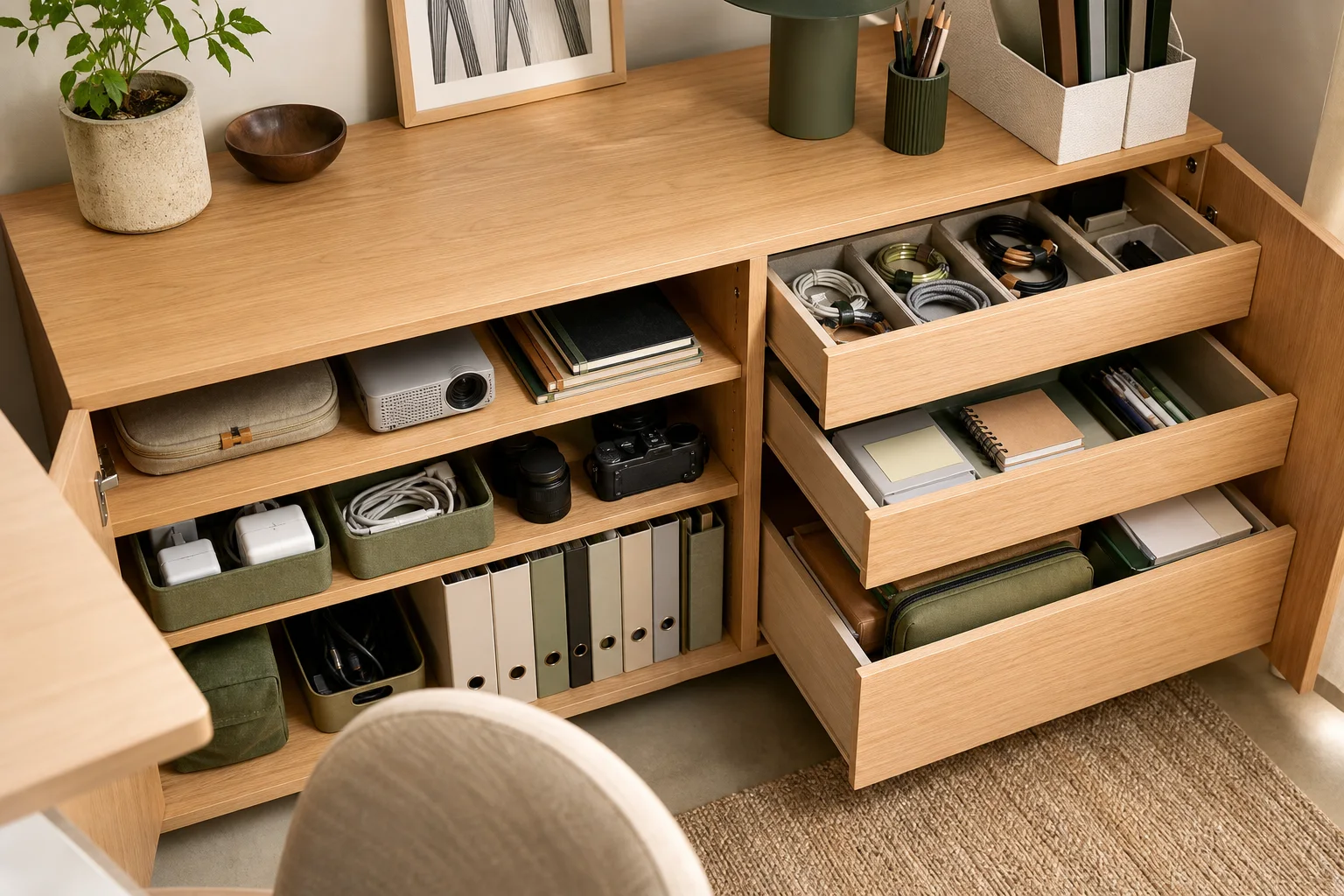
A storage space can be anything: a drawer, shelf, cabinet, box, closet, storage unit, or an entire room.
Designed for iPhone
See the whole picture
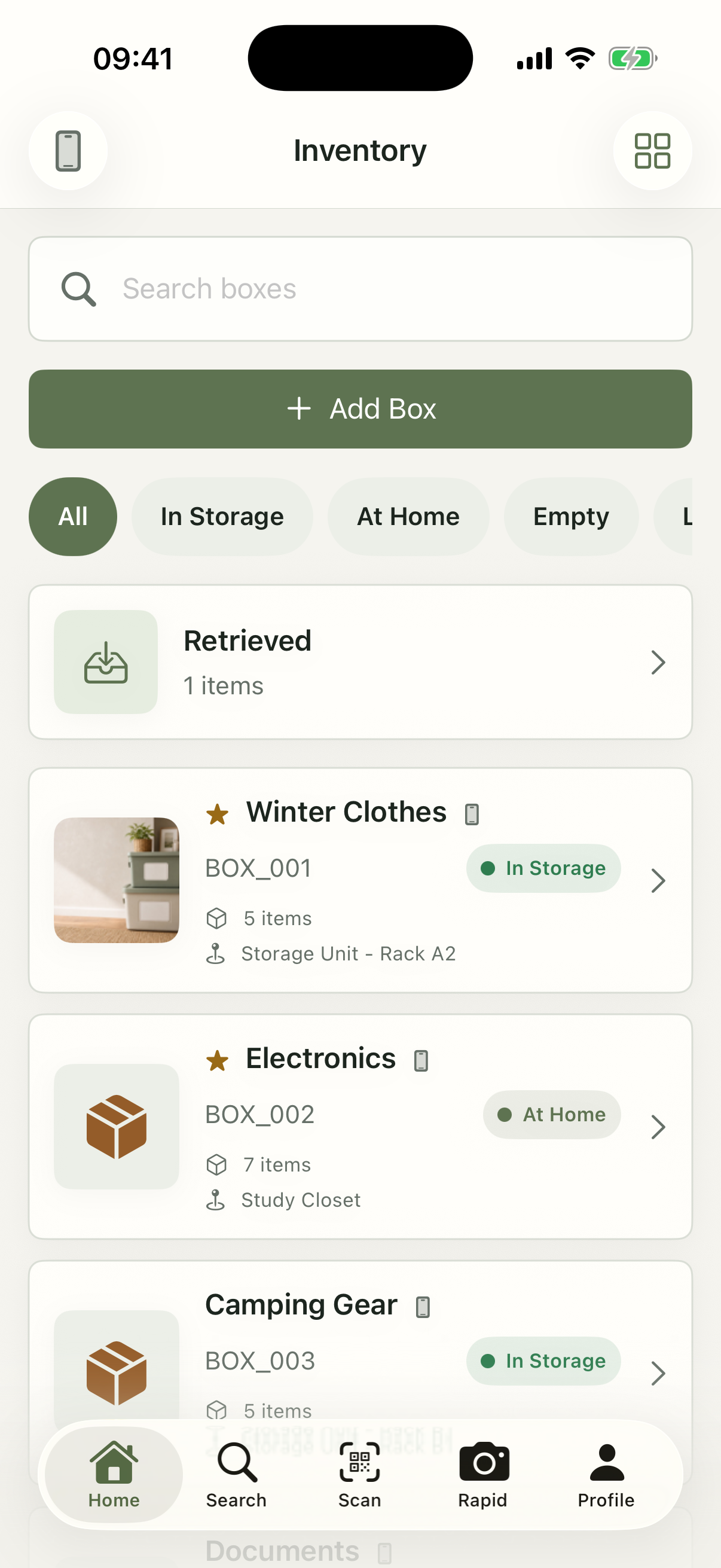
Your physical storage. Clearly mapped on your iPhone.
One glance connects the place, the items, and the location.

- Photograph
- Organize
- Search
- Find
How it works
See it. Save it. Find it.
-
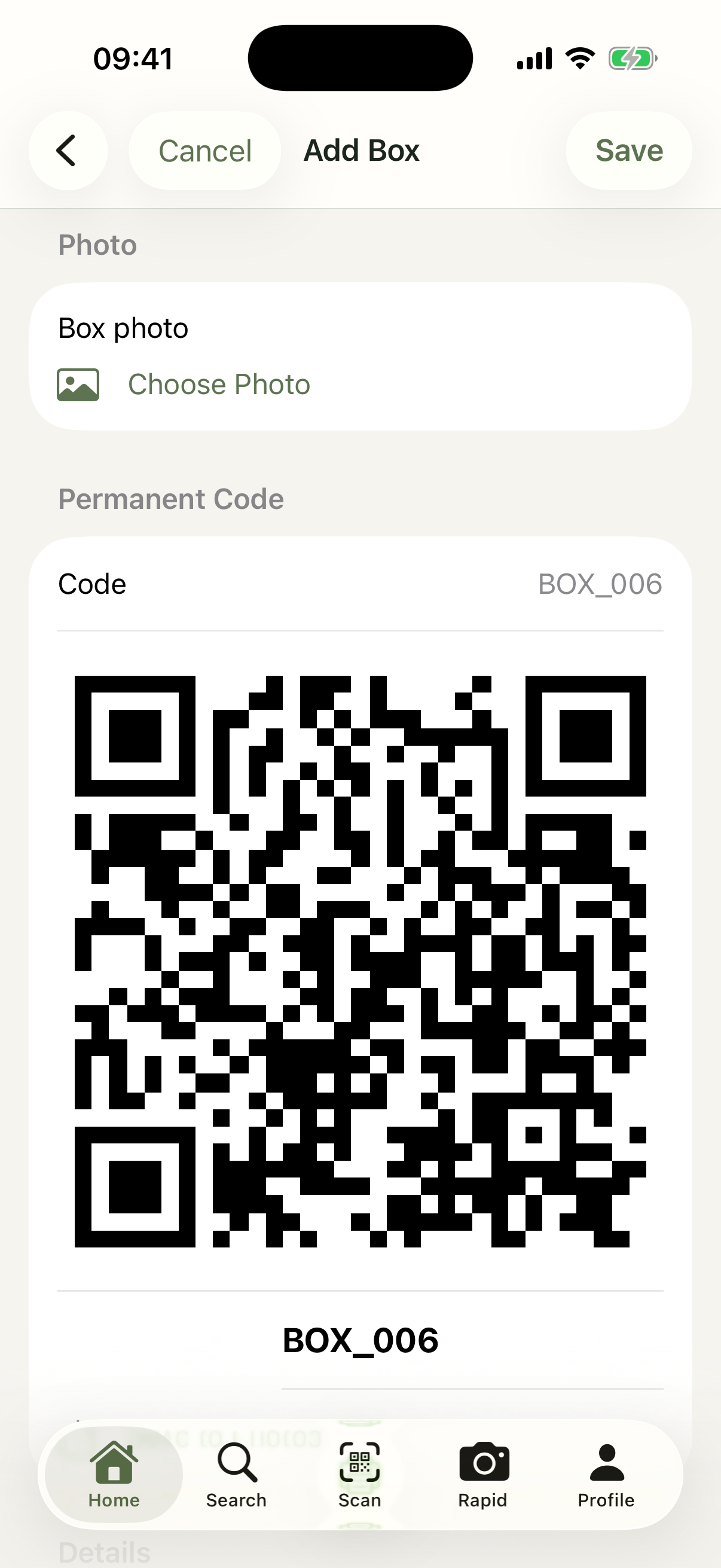
Name the place.
A drawer, shelf, cabinet, box, closet, unit, or room.
-
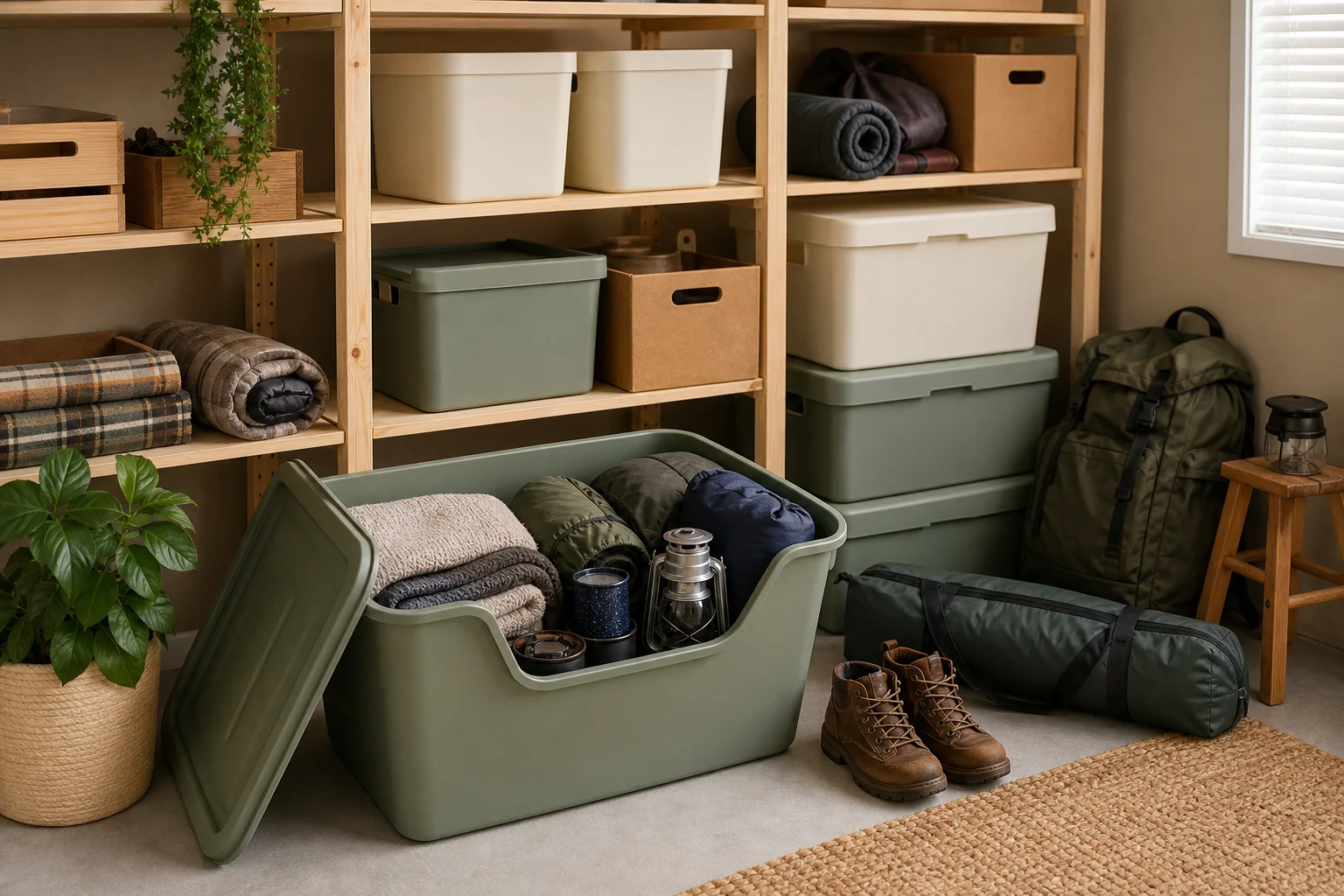
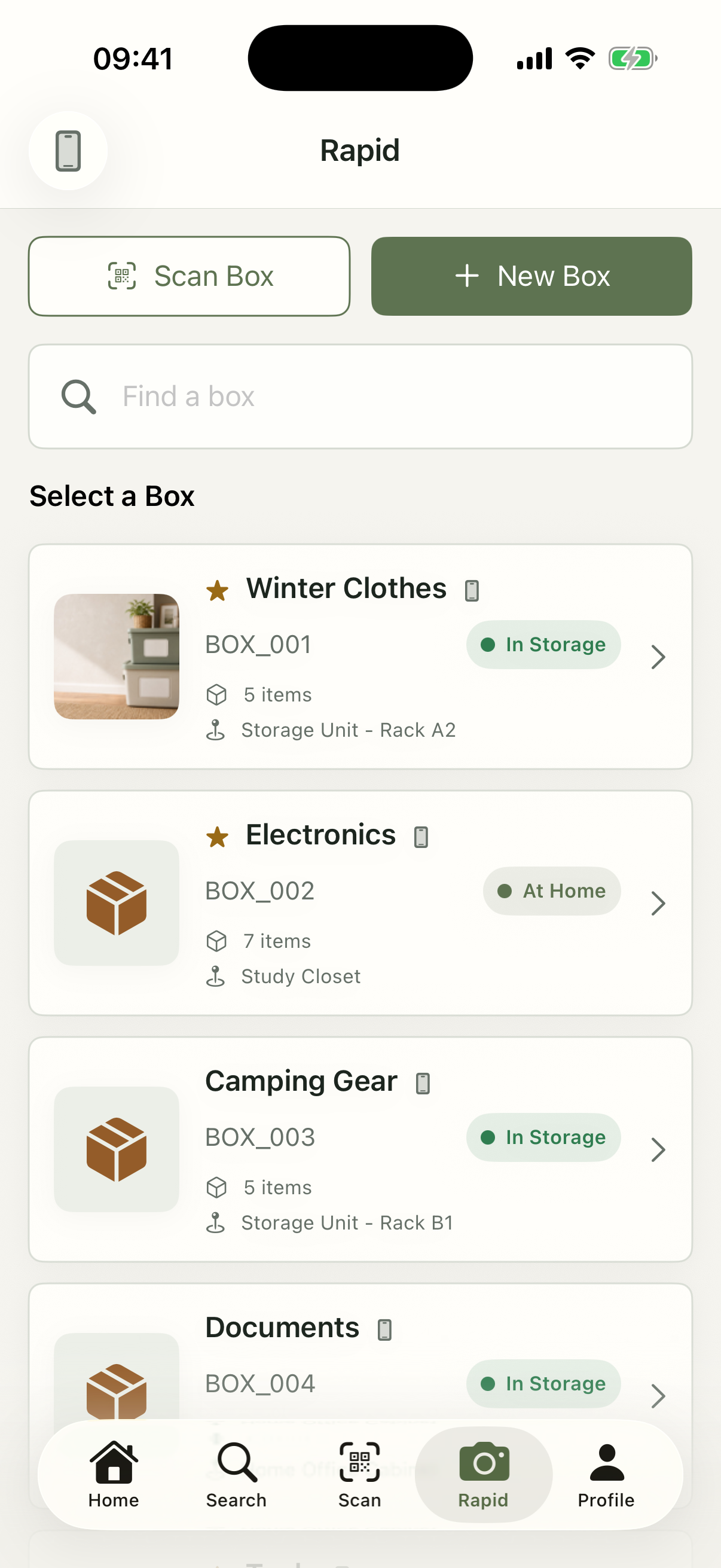
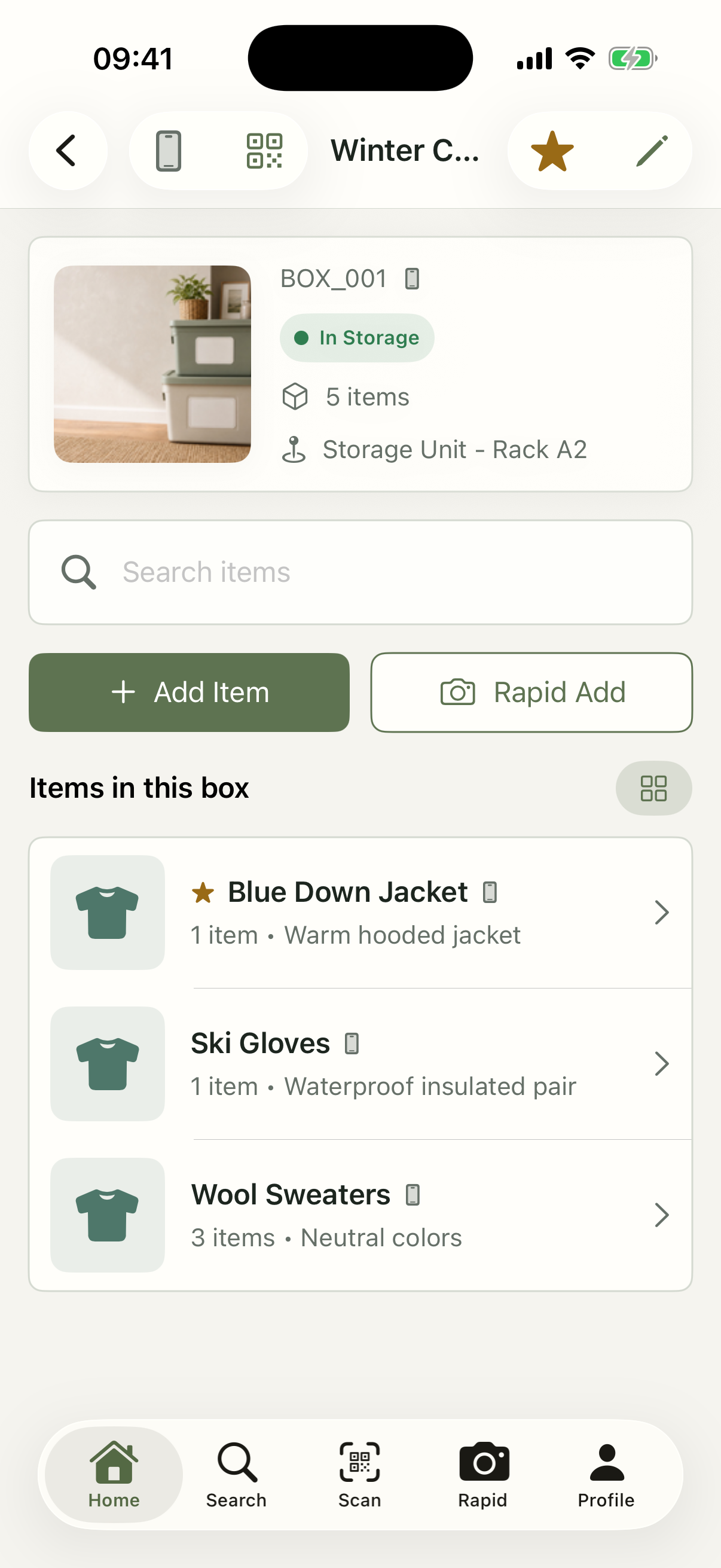
Add what lives there.
Use photos and short names—or add more detail when it helps.
-
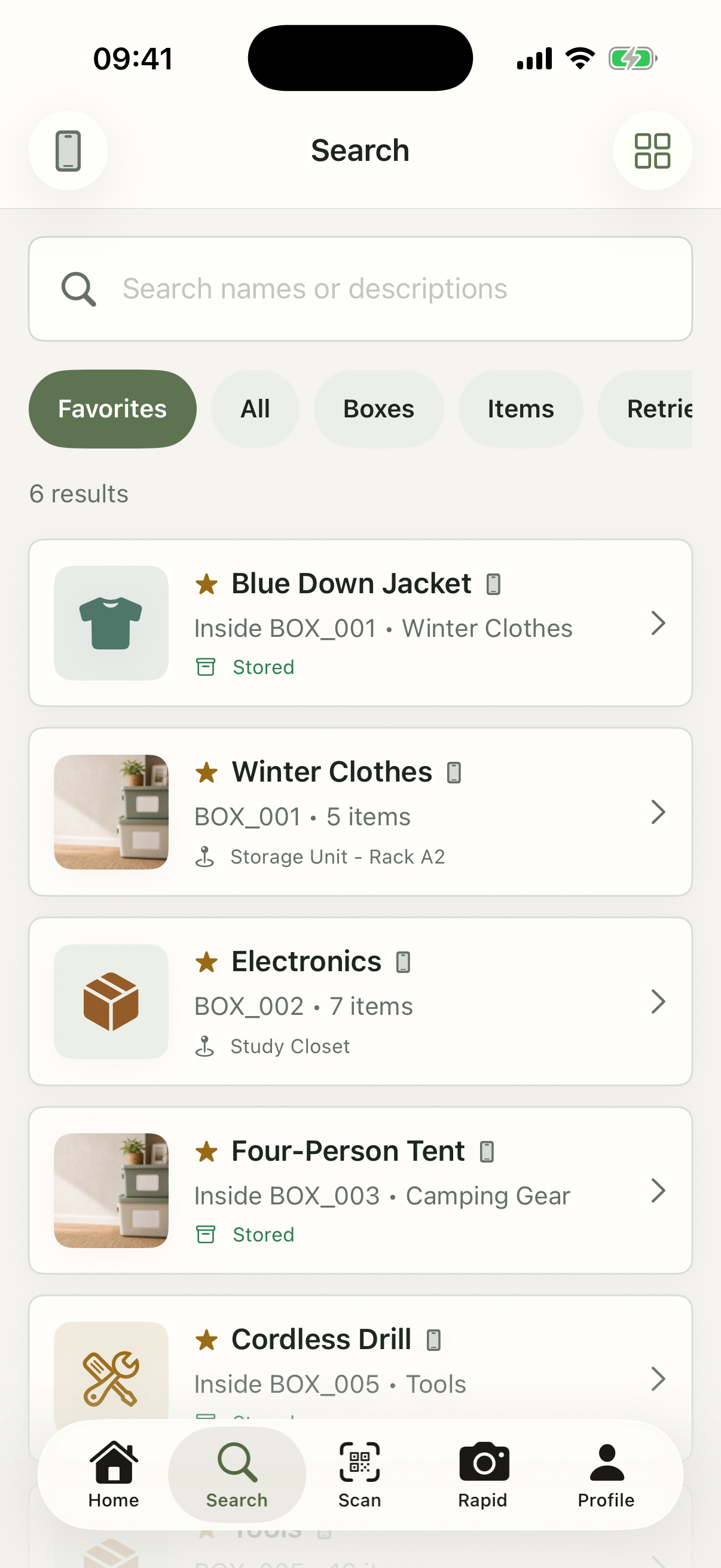
Search. Scan. Found.
Go straight to the right place without opening everything.
The app, at a glance
From overview to exact item.
1 / 6
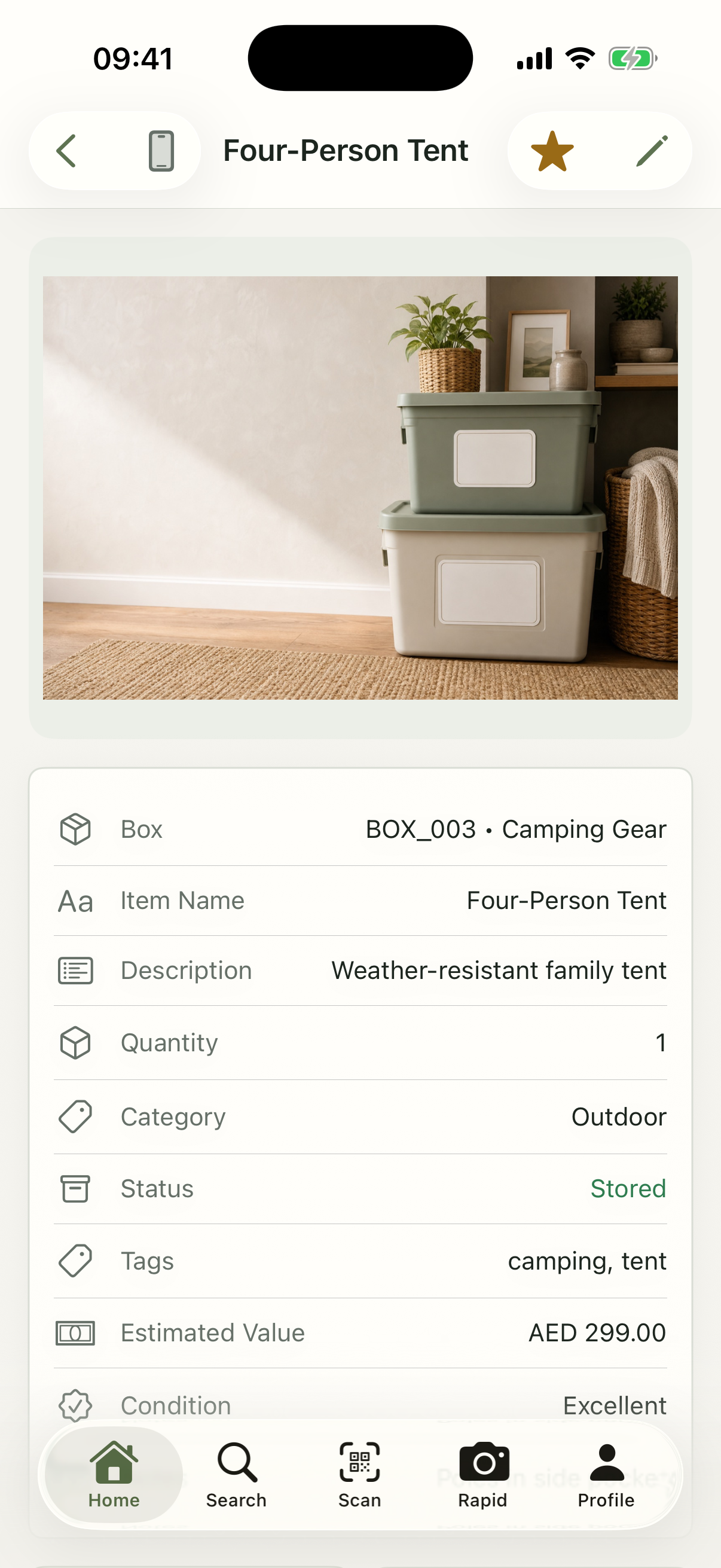
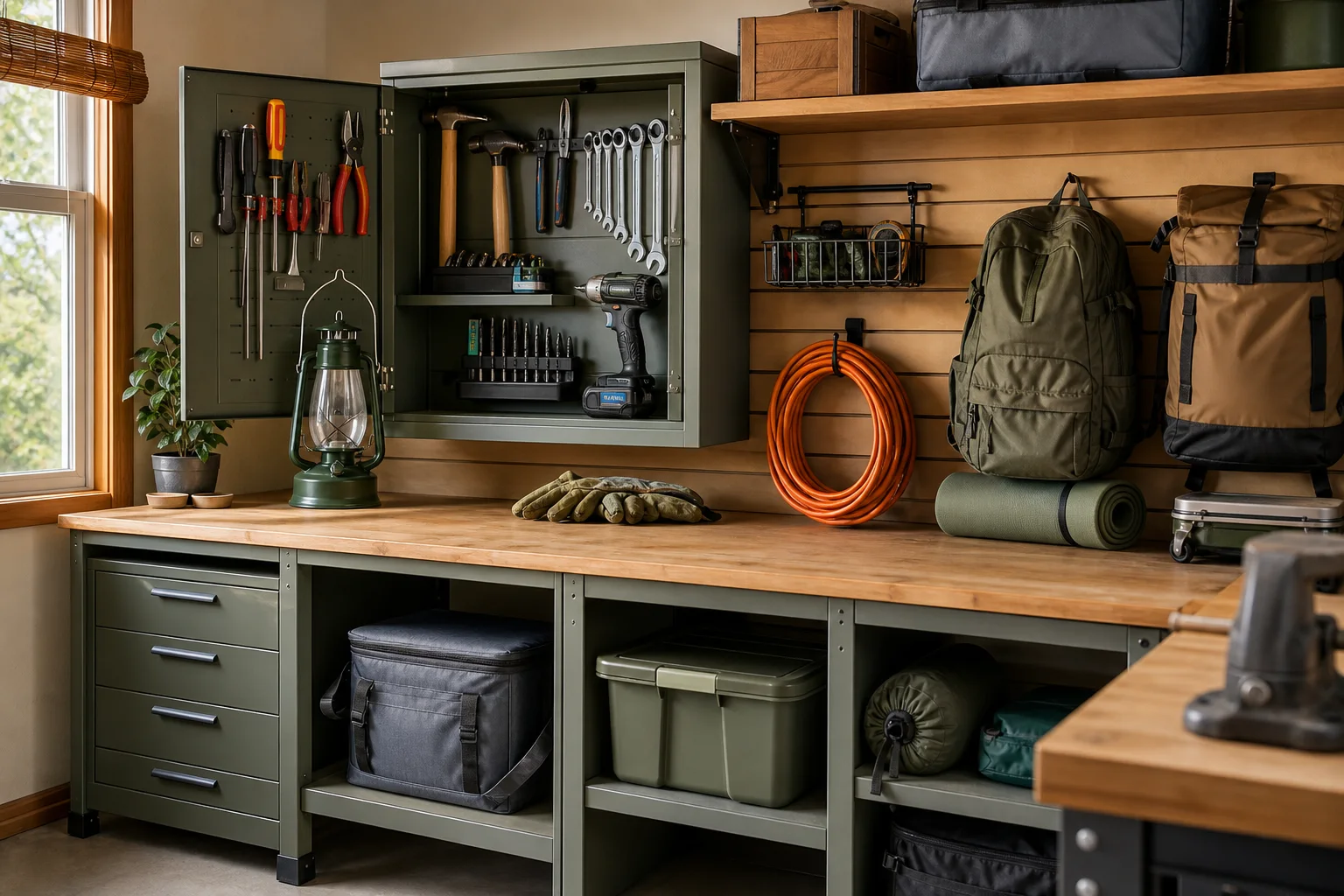
Not just boxes
A place can be anything.
Organize at the level that makes sense to you.
Optional QR labels
Label once. Scan whenever you return.
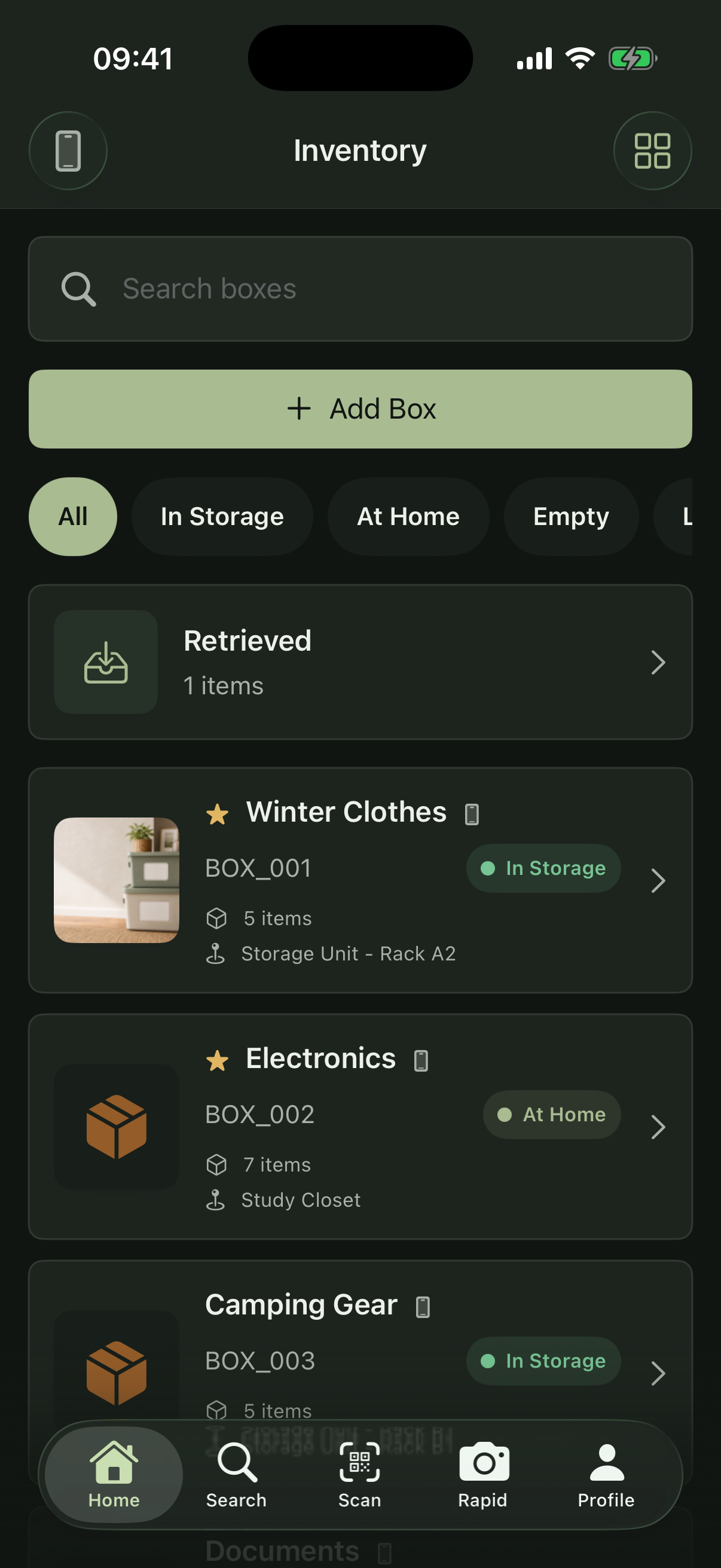
One clear inventory
Local and Cloud, side by side.
Support
Questions, neatly answered.
Here are the essentials about using WeOrganize. Visit Support for setup, sharing, QR, and account help.
Visit WeOrganize SupportCan I use WeOrganize without an account?
Yes. Local boxes stay on your iPhone and do not require an account. When signed in, Local and Cloud boxes appear together with identifying icons.
What counts as a storage space?
Anything that helps describe where your items are kept: a drawer, shelf, cabinet, closet, box, storage unit, entire room, or another place that makes sense to you.
What can I record?
Storage spaces can include a name, code, location, status, notes, and photo. Items can include quantity, category, tags, condition, value, notes, and photos.
How do QR labels work?
Each QR label carries the unique identity of its box. Scan it to open the exact record or request access. Display labels such as BOX_001 help people recognize boxes, but they are not unique identifiers.
Can I share an inventory?
Yes. Invite someone by username or approve a QR share request. Owners can manage the box, while Guests have read-only access.
Which devices are supported?
The current native app is designed for iPhone. This public website is responsive on phones, tablets, and desktop browsers.
Can I manage my inventory on this website?
Not currently. Inventory management happens in the WeOrganize iPhone app.
A place for everything
Spend less time searching for things.
Build a clear record of what you store and find it when you need it.